Buying tickets in the app
Pick your tickets, check the total, and pay by card in the payment sheet.
Steps
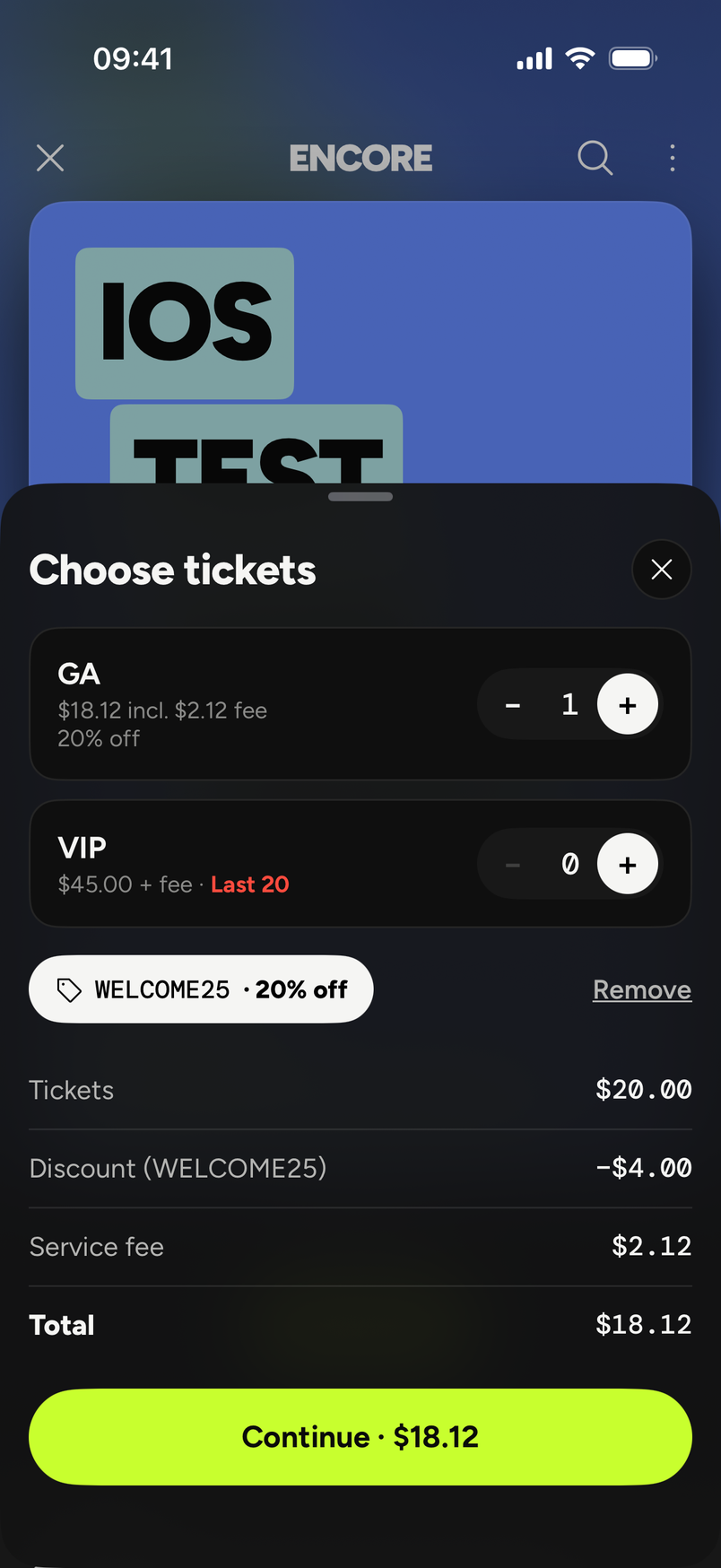
- Open the event and tap to get tickets. The Choose tickets sheet opens. Use the plus and minus buttons to pick how many of each ticket type you want.
- The sheet adds up Tickets, Service fee and Total, and the button at the bottom says Continue with the total. Tap it.
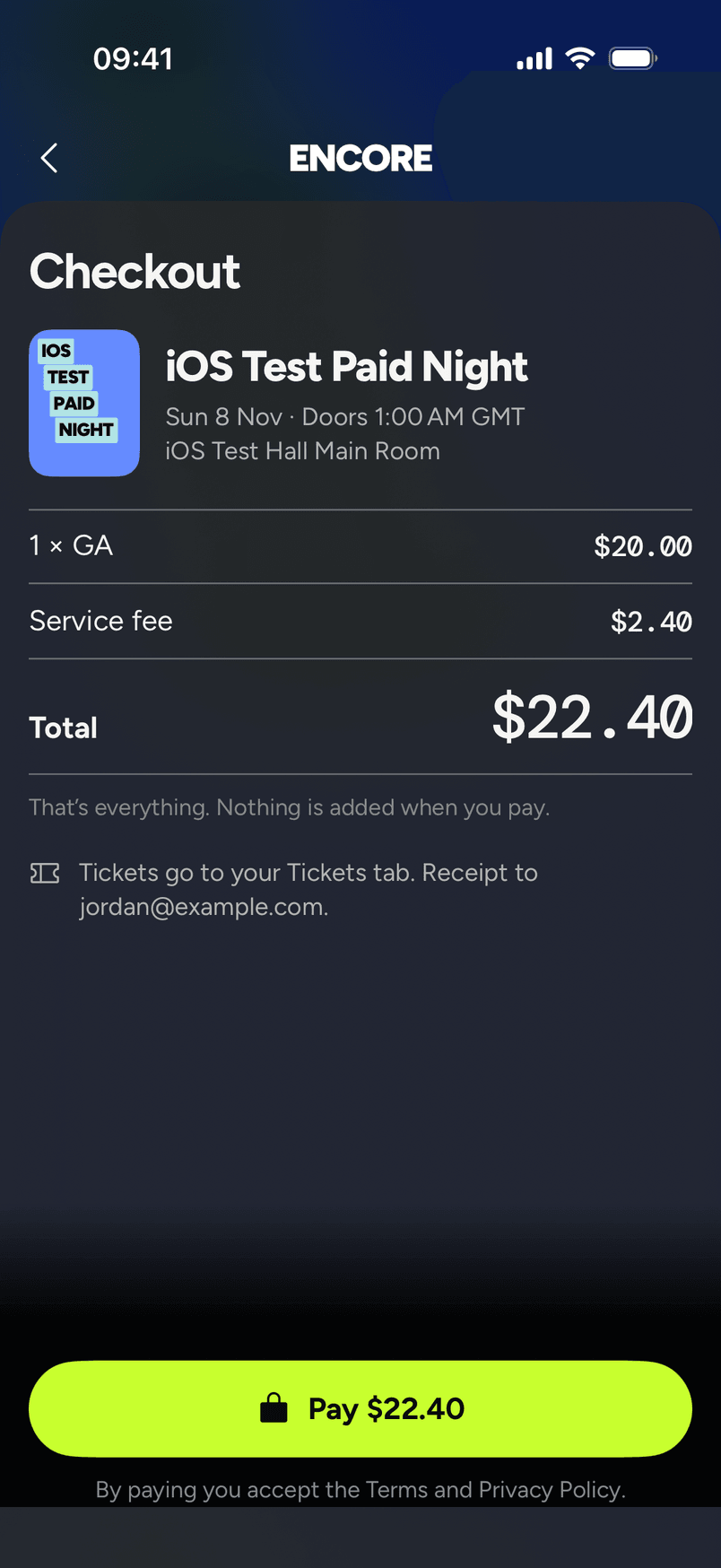
- Checkout shows your order: the event, each line like "1 × GA", the Service fee and the Total. Under it: "That's everything. Nothing is added when you pay." Tap Pay with the total on it.
- The payment sheet opens. Pay by card in the payment sheet.
- Checkout tells you where your tickets will go: "Tickets go to your Tickets tab", followed by the email your receipt goes to.
The fee
The service fee is 7% + $1 per paid ticket, added to the ticket price the organizer set. That's the only fee. Card processing is inside it, so there's no card line and the total on the screen is the total you're charged.
Our fee policy on the website says the service fee is non-refundable, except if the event is cancelled or postponed more than 6 months.
Promo codes
On the Choose tickets sheet, tap Have a promo code?. A field labelled Code opens, with an Apply button. The app sends the code to us and we work out the price. Once it's applied, a tag shows the code with a Remove link, and the sheet has a line that reads Discount (CODE), with your code in place of CODE. The service fee is worked out on the discounted price.
See Use a promo code.
Free tickets
Free tickets have no fee. You can get up to 10 free tickets per event in a day.
If you were charged but no tickets appear, see I was charged but have no ticket.
Your receipt is in the app under Profile, then Receipts, and it also comes by email. See Get a receipt for my order.